
Organizing Digital DVD Cover Archives
HD Covers Archive is an editorial resource dedicated to the organization, preservation and secure management of digital cover collections. DVD and Blu-ray libraries often contain more than physical discs: they include artwork, catalog data, scans, editions, languages and metadata that need to remain easy to find over time.
The purpose of this guide is to help collectors, media managers and archive builders create a cleaner structure for visual assets without encouraging unauthorized distribution. A well-managed archive focuses on naming conventions, image quality, storage discipline and responsible access. It also benefits from broader principles used in digital preservation, where long-term readability and documentation matter as much as the files themselves.
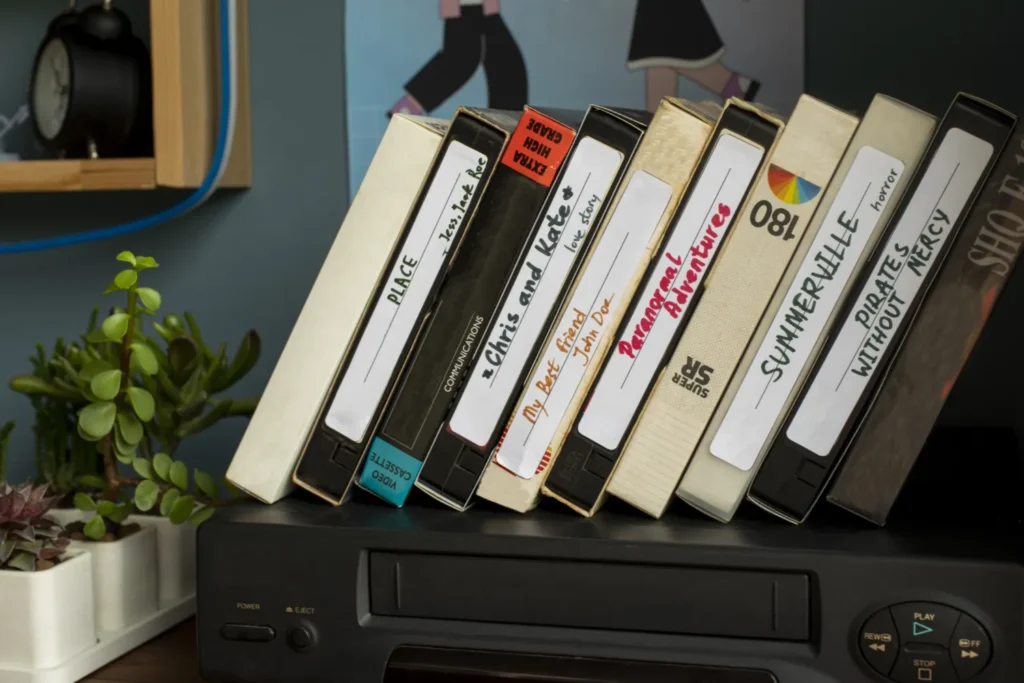

Cover Quality, Formats and Metadata
High-definition cover files are only useful when they are clear, consistent and properly described. A practical archive should separate front covers, back covers, disc labels, inserts and alternative editions. This avoids confusion when a collection includes multiple releases of the same film or different regional packaging.
Image quality should be balanced with realistic storage needs. PNG and TIFF can be useful for preservation workflows, while optimized JPEG or WebP versions are practical for browsing. Metadata such as title, release year, edition, language and scan source helps users identify the correct artwork quickly. Concepts behind metadata are especially useful when an archive grows from a personal folder into a structured media resource.
Storage and Backup for Media Collections
Digital cover archives should not depend on a single folder, disk or hosting account. A stable workflow usually combines local storage, an external backup and a remote copy. This makes the collection easier to recover if a drive fails, a website is damaged or a migration goes wrong.
Clear folder structures matter. One reliable method is to organize covers by media type, then by title, then by edition. File names should avoid vague labels such as “scan-final-new” and instead use consistent patterns that include the title, year and cover type. For public-facing archive websites, storage discipline also improves page speed, internal search and long-term maintenance.
Practical Articles for Media Archive Owners

How to Organize a Digital DVD Cover Archive
A practical guide to naming, sorting, preserving and documenting digital DVD cover collections without losing track of editions, formats or image quality.
Why Media Archives Need Secure and Resilient Hosting
An article on uptime, scraping, abnormal traffic and the infrastructure decisions that help public media archive websites remain accessible.
Protecting Access to Public Archives
When a media archive becomes public, access control and moderation become part of the editorial workflow. Even simple websites can attract automated scraping, hotlinking, spam submissions and suspicious login attempts. Basic protections such as strong passwords, role separation, limited upload access and audit logs reduce avoidable exposure.
Responsible archive management also means respecting copyright boundaries, documenting sources and avoiding uncontrolled redistribution. The archive should present information, quality guidance and collection structure in a way that supports legitimate preservation work rather than careless file sharing.
Monitoring Archive Health and File Integrity
Monitoring helps identify problems before they become visible to visitors. Broken images, missing thumbnails, slow pages and failed backups can all weaken trust in a media archive. A simple monthly review of files, redirects, database health and server performance is often enough to catch early warning signs.
For larger collections, checksums and duplicate detection can help confirm whether files have been changed, corrupted or unnecessarily repeated. This is especially useful when multiple contributors help maintain the same archive.
Availability for Archive Websites
Archive websites can experience sudden traffic when a collection, title or restoration topic is shared by a community. They can also be affected by crawlers, bots and hostile network activity. A resilient setup should include caching, optimized media files, clean hosting resources and a plan for handling unusual traffic.
When abnormal requests begin to threaten availability, infrastructure-level DDoS protection can help filter hostile traffic before it reaches the origin server. This is relevant for public-facing archives that rely on uninterrupted access, searchable resources and stable image delivery.

Contact HD Covers Archive
Questions about digital media preservation, cover archive structure or responsible collection management?
HD Covers Archive provides editorial guidance for collectors, media archivists and website owners who want to organize, preserve and protect visual media libraries.
Email: contact@hdcovers-dvd.com
Location: Digital media archive resource
Focus: DVD covers, media metadata, storage, website availability and archive security.